

Once you’re past 50 shirts, screen printing usually wins on cost per shirt. Shay’s Print Shop runs both, and its Custom T-Shirts – 10 for $99 package covers most first-time orders. Expect roughly a week from upload to shipment, faster with rush options.
TL;DR:
- Single-piece DTG or DTF printing is ideal for last-minute orders or gifts, but becomes less cost-effective at larger quantities.
- Small-run bulk orders of 10 to 250 shirts benefit from flat pricing like Shay’s 10-for-$99 package, especially with two-sided full-color designs.
- DTF offers the best durability and full-fabric color pressure for complex back prints across a variety of fabrics, outperforming DTG on dark garments.
- Screen printing becomes the most economical choice when ordering over 250 identical shirts but involves higher setup costs and design limitations.
- Proper file setup requires 300 DPI resolution, vector or high-quality PNG files, and careful placement to ensure accurate registration for double-sided designs.
Table of Contents
- What Are Your Options for Ordering Double Sided Shirts?
- Which Printing Method Actually Works Best for Two-Sided Designs?
- How Much Does Double Sided Printing Cost?
- What File Format and Resolution Do You Need for Front and Back Art?
- How Does the Ordering and Turnaround Process Work?
- How Long Do Double Sided Prints Actually Last?
- Which Fabrics and Shirt Styles Hold a Two-Sided Print Best?
- What Should You Ask Before Choosing a Print Shop?
- Shay’s Print Shop’s Approach to Double-Sided Orders
- Order Your Double Sided Shirts Without the Guesswork
- Sources
What Are Your Options for Ordering Double Sided Shirts?
Three ordering routes cover almost every scenario. Which one fits depends on quantity, deadline, and how complex your artwork is.
Print-on-demand with no minimum. You upload art, pick sizes, and order a single shirt or a handful. This route uses DTG or DTF and fits a family reunion where headcounts change up to the last minute, or a one-off gift.
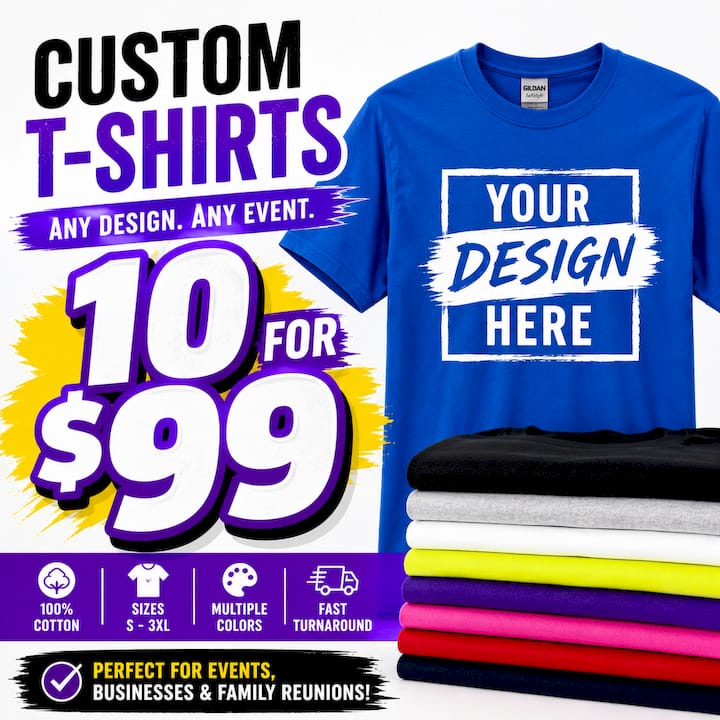
Small-run specialist bulk pricing. This is the sweet spot for 10 to 250 shirts: promotional handouts at a trade show, a sports team roster, or a nonprofit fundraiser shirt. Shay’s Print Shop’s 10-for-$99 package sits squarely here, built around 100% cotton shirts with front and back customization at a flat, predictable price.
Bulk screen printing. Once you’re ordering hundreds of identical shirts, like a retail launch or a company-wide uniform rollout, screen printing’s per-shirt cost drops enough to justify the setup fees.
- No-minimum DTG/DTF: best for single orders, gifts, last-minute headcounts
- Small-run bulk (10 to 250): best for reunions, team orders, promotional giveaways
- Bulk screen printing (250+): best for retail runs, uniforms, large corporate orders
If you’re still deciding between vendors for that middle tier, Shay’s Print Shop’s guide to choosing a small business printer walks through the tradeoffs in more detail.
Which Printing Method Actually Works Best for Two-Sided Designs?
The method you choose changes both how the shirt looks and how long the print survives.
DTG (direct-to-garment) prints ink straight into the fabric fibers, giving you strong color fidelity and a soft hand that barely changes how the shirt feels. It performs best on 100% cotton and struggles on dark garments, where colors need a white underbase that can flatten vibrancy. For a photo-quality front print paired with a simpler back logo, DTG is a strong pick.
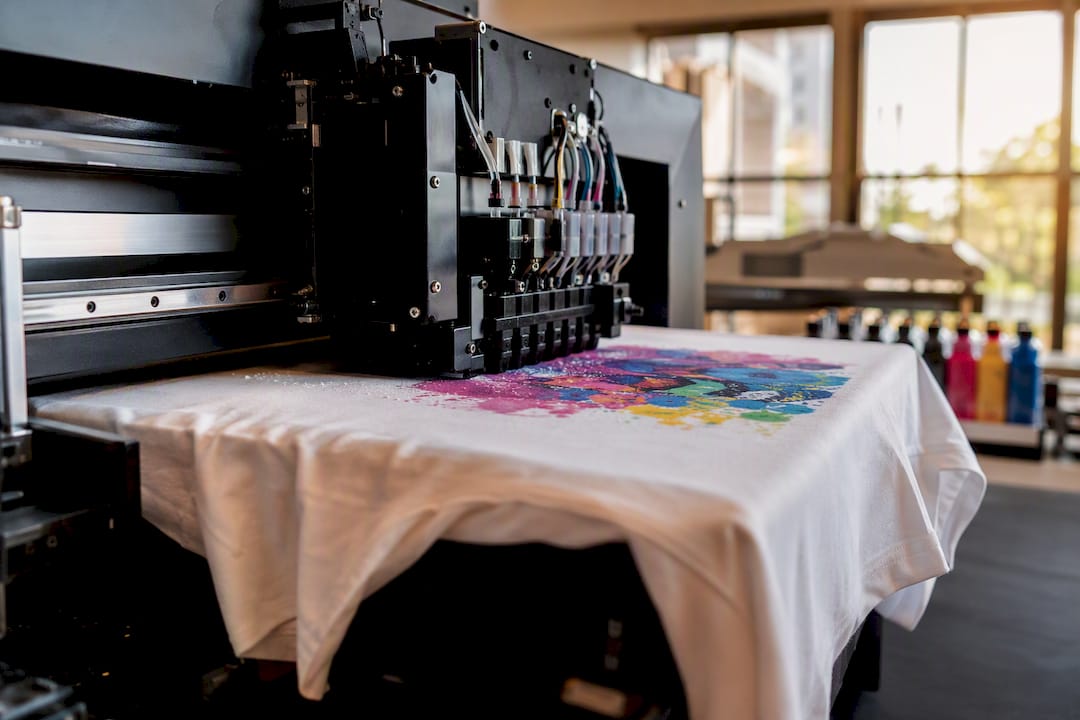
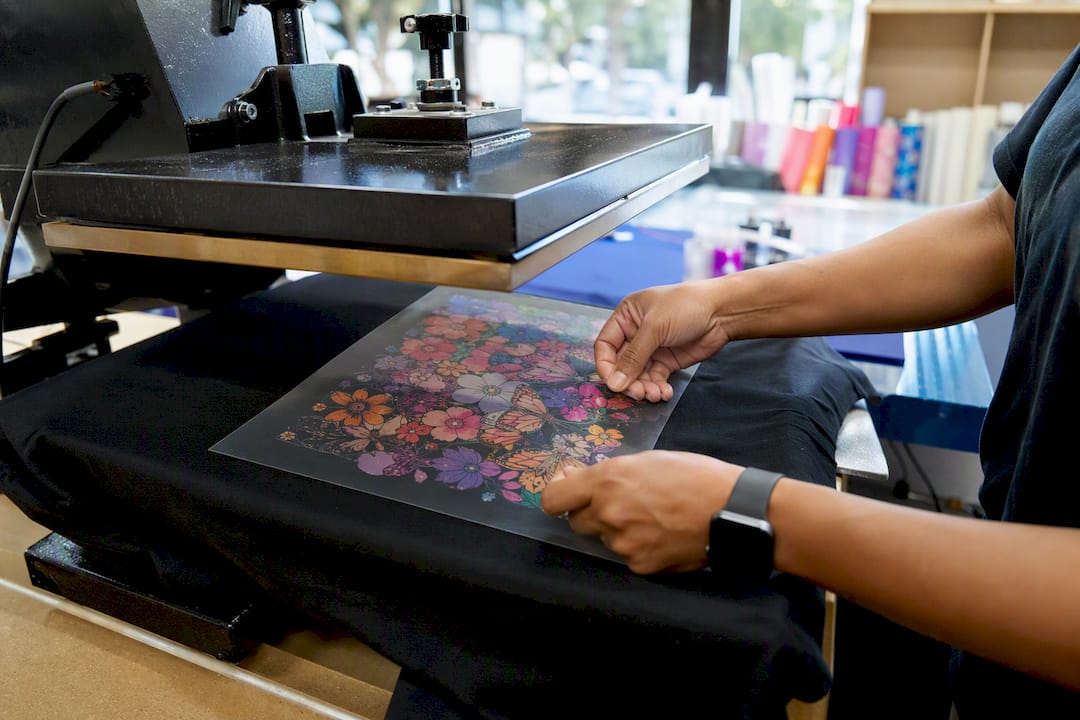
DTF (direct-to-film) prints the design on film first, then heat-presses it onto the shirt. It works across cotton and cotton-blend fabrics, holds up well through repeated washes, and reproduces photographs and gradients with more punch than most other methods on both light and dark garments. That flexibility explains why DTF has become the default for full-color back prints on mixed-fabric orders.
Screen printing wins on cost once you’re printing dozens of identical shirts, but every color needs its own screen, which limits how complex a design can get before setup costs eat your savings.
Heat transfer vinyl handles specialty effects like glitter or metallic finishes well, but it’s less breathable and tends to crack sooner under heavy wear than DTG or DTF.
- DTG: best color fidelity on light cotton, limited on dark shirts
- DTF: most durable and flexible across fabrics and colors
- Screen printing: cheapest at high volume, costlier for complex art
- Heat transfer: good for effects, weaker long-term durability
Double-sided orders add one more wrinkle: alignment. Front and back designs need to register correctly on the garment so neither print sits crooked or bleeds through the fabric.
Pro Tip: Keep your back design at least half an inch smaller on all sides than your front design footprint. It hides minor placement variance during pressing and avoids any bleed-through shadow from the front print.
How Much Does Double Sided Printing Cost?
Pricing depends almost entirely on quantity and whether you’re adding a back print as an extra or getting it bundled.
A single double-sided DTG or DTF shirt through a no-minimum service typically runs higher per unit since there’s no bulk discount to spread costs across. Order ten shirts through a bundled package like Shay’s Print Shop’s 10 for $99, and both front and back customization come built into that flat rate rather than tacked on separately. Bulk screen-print tiers (250+) usually drop the per-shirt price further, but only after you clear setup costs for each color and side.
Back-print pricing generally follows one of two models: a flat add-on fee regardless of order size, or a small per-shirt increment that scales with quantity. Screen printing almost always carries a setup fee per screen per side, which is why no-minimum DTG or DTF often beats screen printing for anything under a few dozen shirts.
When estimating your total cost, factor in:
- Base price per shirt at your chosen quantity tier
- Back-print add-on (flat fee or per-shirt increment)
- Setup fees if you’re screen printing
- Shipping, rush fees, and applicable sales tax
Check order minimum options before you commit to a quantity tier. Some shops advertise low per-shirt pricing that only kicks in above a threshold you might not need to hit.
What File Format and Resolution Do You Need for Front and Back Art?
Upload vector files (AI, EPS, or SVG) whenever your design has text, logos, or sharp line art, since vectors scale to any print size without losing edge quality. For photos or complex gradients, a high-resolution PNG works fine.
- Aim for 300 DPI at the actual print size for both front and back designs, not just the file’s native resolution.
- Leave a safe area and bleed margin around your art. Anything meant to reach the shirt’s edge needs extra bleed; anything with fine text should sit well inside the safe zone.
- Export in sRGB for your initial upload. Most print shops convert to CMYK internally for production, so don’t worry about doing that conversion yourself.
- Note whether your design is one color or full color. Screen printing treats these very differently in setup cost; DTG and DTF do not.
- On your digital proof, check placement, size, and color on both sides before approving. Once you approve, changes usually mean starting over.
For placement specifics on front-versus-back layout, this practical placement guide covers sizing ratios that read well on both sides of a shirt.
How Does the Ordering and Turnaround Process Work?
The flow is consistent across most reputable shops: pick your shirt style and color, upload front and back art separately, review a digital proof, approve it, then production starts and ships.
No-minimum DTG and DTF orders typically ship within days. Screen printing runs on a longer clock, often a couple of weeks, because of setup and batch scheduling. A digital proof should show exact placement and size on both sides, not just a mockup thumbnail, so you can catch alignment problems before they hit fabric.
- Confirm proof accuracy on both front and back before approving
- Ask what rush production costs and how many days it actually saves
- Expect standard no-min orders in days, bulk screen-print orders in weeks
Pro Tip: Treat your digital proof approval the same way you’d check a document before printing double-sided at home: verify orientation on both sides, not just one, since a flipped or misaligned back print is the most common two-sided printing mistake, similar to orientation errors in duplex printing.
How Long Do Double Sided Prints Actually Last?
Wash care determines how long a two-sided print survives more than the printing method itself. Turn shirts inside out before washing, use cold water, and skip the dryer’s high heat setting. Air drying or a low-heat tumble cycle adds significant life to both DTF and DTG prints.
DTF prints tend to hold up the longest through repeated wash cycles because the film adheres as a flexible layer bonded to the fabric surface, resisting cracking better than vinyl transfers. DTG prints, since the ink absorbs into the fibers themselves, can fade slightly faster on shirts washed in hot water or dried on high heat, though they rarely crack or peel the way heat-transfer vinyl can.
Double-sided shirts face a specific wear pattern worth knowing: the back print often shows wear first if the wearer carries a backpack or leans against chair backs regularly. That’s friction, not a printing defect, and it applies to any method.
A simple rule covers most double-sided orders: wash inside out, cold water, low or no heat in the dryer, and skip the iron directly on either print. Following that alone adds months, sometimes years, to a print’s usable life regardless of whether it’s DTG, DTF, or screen print.
Which Fabrics and Shirt Styles Hold a Two-Sided Print Best?
Fabric choice affects both how a print looks and how long it survives.
Cotton-blend shirts (50/50 or tri-blends) offer a softer feel and better wrinkle resistance, but DTG struggles on blends since the ink doesn’t absorb into polyester fibers the way it does into cotton. DTF handles blends far better here, which is part of why it’s become the go-to for mixed-fabric back prints.
Shirt style matters too. Standard crew-neck tees give you the most surface area for full back designs. V-necks and fitted cuts reduce that print area near the collar, which can crowd a larger back design. Heavier fabric weights (a 6 oz. shirt versus a lightweight 4.5 oz.) tend to hold DTF transfers with less show-through from the front print, which matters more on double-sided orders than single-sided ones.
Save blends and fitted cuts for orders where the wearer’s comfort preference outweighs raw print durability, like a retail line meant for everyday wear rather than a one-time event shirt.
What Should You Ask Before Choosing a Print Shop?
Not every shop that offers “double-sided printing” handles it well. A few direct questions separate the shops worth trusting from the ones that will leave you with a crooked back print two days before your event.
Ask whether they show you a proof for both sides separately, not a single combined mockup. Ask what happens if the back print bleeds through or misregisters. Ask about their actual production timeline for your specific quantity, not a generic “processing time” listed on the homepage. And ask what fabric options they support for double-sided work specifically, since some shops that handle single-sided printing well haven’t optimized their process for two-sided registration at all.
Red flags include vague turnaround promises, no clear back-print pricing before checkout, and no digital proof step at all. A shop that skips proofing on a two-sided order is betting your event on a print run they haven’t shown you.
Shay’s Print Shop’s Approach to Double-Sided Orders
A typical small-bulk order, say 30 shirts for a company picnic, moves from upload to proof to shipment without the back-and-forth delays that stall bigger screen-print shops. Bulk pricing keeps that process affordable without cutting corners on the print itself.
— Jon Will
Order Your Double Sided Shirts Without the Guesswork
Shay’s Print Shop skips the setup fees and long screen-printing queues that slow down small-to-mid orders elsewhere.
Ordering takes four steps: pick your shirt color and sizes, upload your front and back designs, review your digital proof for placement and color accuracy on both sides, then approve and check out. If your design needs a custom quote outside the standard package, Shay’s Print Shop’s team reviews requests directly rather than routing you through an automated calculator. Planning a bigger event with matching accessories? The custom tumbler line pairs well with a shirt order for reunions and team giveaways.
Start your order with the 10-for-$99 shirt package and upload your artwork today.
Sources
For readers comparing standard document duplex settings against garment printing, Word’s duplex printing guide, Canon’s duplex explainer, and Brother’s two-sided printing steps explain the orientation logic that carries over to apparel proofing.
- Print on both sides of the paper with an HP printer
0 comments