

Your print proof approval is your final, binding sign-off that tells the printer “go ahead and produce.” Once you click approve, production moves forward and changes are no longer guaranteed. That means you, the customer, are responsible for content accuracy: every name, date, phone number, and URL. The printer handles technical compliance. You handle the words and details.
Before you approve anything, run through these right now:
- Event details: date, time, venue name, and address spelled correctly
- Spelling: read every line of text aloud, word by word
- Bleed: backgrounds extend at least 0.125" past the trim line
- Color notes: any RGB-to-CMYK shift warnings acknowledged
- Prepress comments: every flagged note read and addressed
Here’s a quick approval line you can paste directly into your reply:
Pro Tip: A soft proof (PDF on screen) is great for checking layout and text. For color-critical orders on dark garments, request a hard proof printed on the actual fabric before you approve.
Table of Contents
- What is a print proof, and which type do you need?
- Who is responsible for what, and what happens with silent approval?
- Step-by-step proof review checklist you can copy
- Common prepress comments and exactly what to do
- How to handle group approvals without the email chaos
- Technical file specs to confirm before you approve
- What approval locks in: turnaround, fees, and reprint costs
- How Shaysprintshop handles proofs and what you can expect
- Key Takeaways
- Why clear approvals matter more than most customers realize
- Shaysprintshop makes proof approval fast and straightforward
- Sources and further reading
What is a print proof, and which type do you need?
A proof is the last review file the shop sends before printing starts. It represents exactly how your order is intended to print, and your job is to confirm it matches what you ordered.
Soft proofs are PDFs or web previews. They’re fast, free, and good for catching layout problems, typos, and placement issues. The limitation: a screen, especially an uncalibrated one, cannot perfectly reproduce how ink looks on fabric or paper.
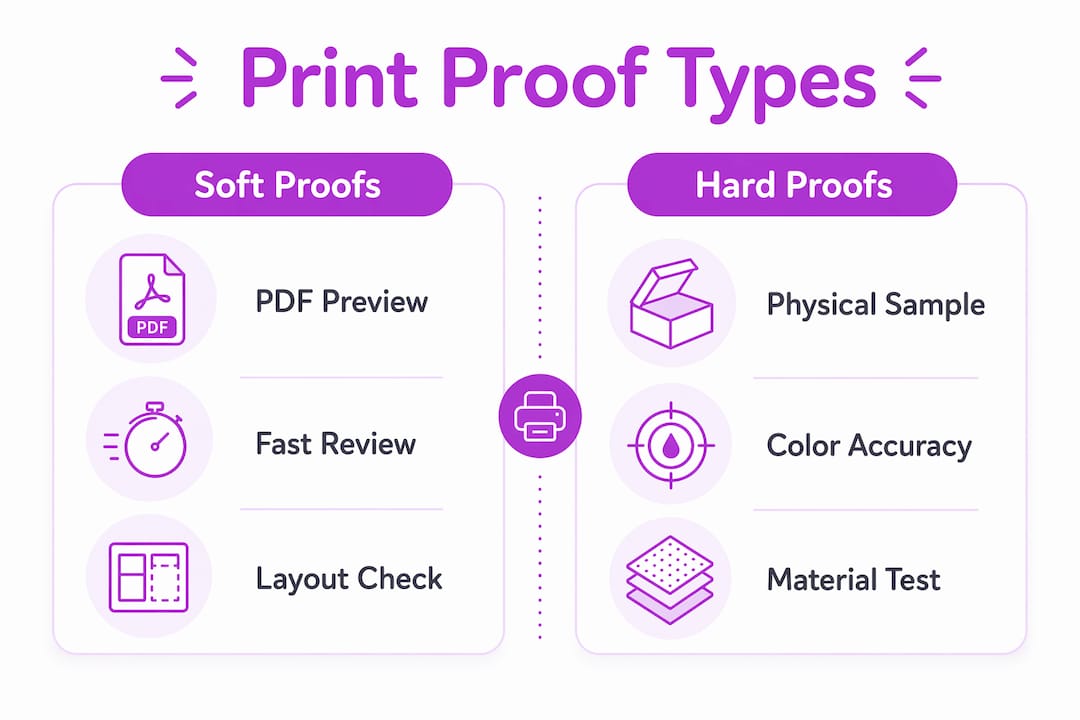
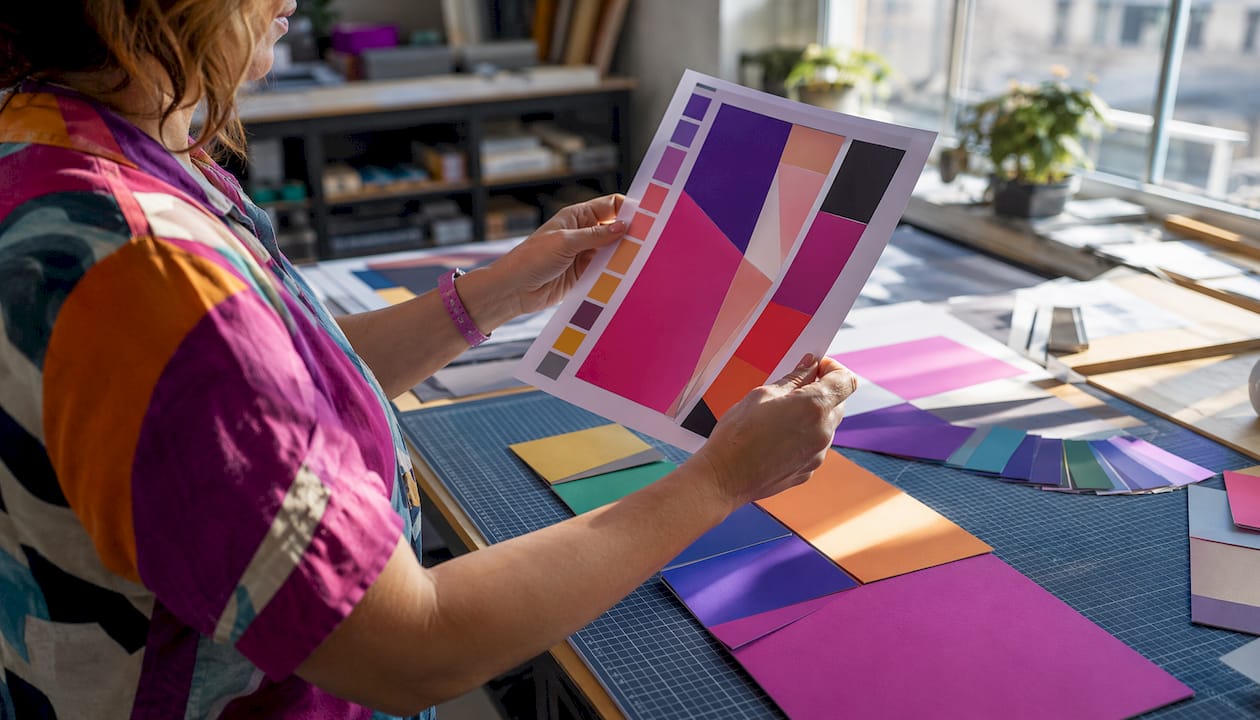
Hard proofs are physical samples printed on your actual substrate. They show you exactly how ink absorbs into the material and how colors look in real light. If your order involves a specific brand color, a dark garment, or a special finish, a hard proof is worth requesting before you commit.
Annotated proofs are any proof file with comments, sticky notes, or markup added by the printer or reviewer. These become your audit trail. Every change request and every prepress flag lives in that document, so keep it.
Who is responsible for what, and what happens with silent approval?
The printer’s job is technical: checking resolution, bleed, color mode, and flagging anything that might cause a production problem. Your job is content: verifying that every word, number, and piece of personalization data is correct.
Customers bear responsibility for spelling, dates, names, contact information, coupon codes, and legal language. The printer cannot know whether “Saturday, August 9th” is the right date for your reunion or whether the phone number on your business shirts is current.
“Silent approval” is the costly mistake most people don’t see coming. If you receive a proof and don’t respond with specific change requests, most shops treat that as approved. Production starts, shirts get printed, and you’re on the hook for a reprint if something is wrong.
Pro Tip: If a prepress comment confuses you, ask the printer to explain it in plain language before you approve. Never approve a proof with unresolved notes you don’t understand.
Step-by-step proof review checklist you can copy
Content sweep
Read every line of text aloud. Reading copy aloud forces your brain to process each word instead of scanning past familiar phrases. Verify dates, times, addresses, phone numbers, and every personalized name against your original order form.
Placement and sizing
View the garment template at 100% zoom. Confirm front and back placement, check that nothing falls in the fold or hem area, and verify that logos and text sit within the safe zone.
Technical checks
- Resolution: 300 DPI for photos at final print size
- Color mode: CMYK or named Pantone spot colors; flag any RGB images
- Bleed: at least 0.125" past the trim line for apparel; large-format may need more
- White underbase: confirm the printer will apply underbase on dark garments and check where it appears on the proof
- Fonts: embedded in the PDF; no substitution warnings
QR codes and URLs
Test every QR code at the actual printed size using your phone. Verify landing page URLs character by character.
Consolidated feedback
Send one numbered list of changes in a single reply or annotated PDF. Fragmented email threads cause version confusion and slow down your order.
Review axes at a glance:
| Review axis | What to check | T-shirt | Promo paper goods |
|---|---|---|---|
| Content accuracy | Names, dates, numbers, URLs | Critical | Critical |
| Technical compliance | DPI, color mode, bleed | Critical | Critical |
| Placement and sizing | Safe zones, hem, fold areas | Critical | Moderate |
| Color expectations | Underbase, substrate shift | Critical | Moderate |
| Timeline and cost impact | Approval speed, change fees | High | High |
Spec requirements by product:
| Spec | T-shirt | Tote bag | Sticker |
|---|---|---|---|
| Min. resolution | 300 DPI | 300 DPI | 300 DPI |
| White underbase | Yes (dark garments) | Yes (dark fabric) | No |
| Bleed required | minimum margin past the trim line | 0.125" min. | 0.125" min. |
| Color mode | CMYK/spot | CMYK/spot | CMYK |
Common prepress comments and exactly what to do
Prepress flags show up as sticky notes or comments on your proof. Here’s what each one means and what you should do:
- “Logo below print minimum”: Your logo is too small to reproduce cleanly at the requested size. Supply a larger vector file (EPS, SVG, or PDF) or approve a size increase.
- “Low resolution”: An image will visibly pixelate when printed. Replace it with a 300 DPI version at final print dimensions.
- “RGB converted to CMYK”: Colors may shift slightly. If color accuracy matters, request a hard proof or approve the conversion with the understanding that the screen version may look different.
- “Insufficient bleed”: Your background doesn’t extend far enough past the trim line. Extend it to at least 0.125" or approve the risk of a white edge.
- “Font substitution”: A font in your file wasn’t embedded and was replaced. Confirm the substitute is acceptable or supply the original font embedded in a new PDF.
Pro Tip: Ask the printer to explain any comment in plain language before approving. A quick clarification email takes two minutes and can save a full reprint.
How to handle group approvals without the email chaos
When multiple people need to sign off, fragmented email threads are the fastest way to delay your order and create contradictory instructions. Centralized proofing and a single designated approver fix both problems.
- Assign one person with authority to give final approval. Everyone else submits feedback to that person.
- Use a single annotated PDF or an online proofing link. Never circulate multiple copies.
- Set an explicit deadline for each review round and communicate it to all reviewers.
- Define “approved as shown” for your team before the proof arrives.
Example consolidated feedback format:
Pro Tip: For orders with personalization spreadsheets, attach one verified CSV file as the single reference. Multiple attachments with different versions are a common source of name errors on finished shirts.
Technical file specs to confirm before you approve
Getting the specs right before approval prevents the most expensive reprints. Here’s what to verify:
- Resolution: 300 DPI at final print size for all photos; vector artwork (EPS, SVG, PDF) scales without quality loss
- Color mode: CMYK for process printing; Pantone spot colors for brand-critical work; RGB images will shift when converted
- Bleed: 0.125" minimum for most apparel and paper goods; verify on the proof itself
- File formats: PDFs with embedded fonts; vector logos as EPS, SVG, or PDF
- White underbase: required for printing on dark garments; confirm placement on the proof
Understanding how ink interacts with fabric is part of getting your proof right. For a deeper look at how screen printing works on different substrates, that background helps you ask better questions before you approve.
Spec thresholds by product:
| Spec | T-shirt | Tote bag | Sticker | Brochure |
|---|---|---|---|---|
| Resolution | 300 DPI | 300 DPI | 300 DPI | 300 DPI |
| Color mode | CMYK/spot | CMYK/spot | CMYK | CMYK |
| Bleed | minimum margin past the trim line | minimum margin past the trim line | minimum margin past the trim line | minimum margin past the trim line |
| White underbase | Dark garments | Dark fabric | N/A | N/A |
| Font embedding | Required | Required | Required | Required |
What approval locks in: turnaround, fees, and reprint costs
The production clock starts the moment you give final approval. Pending revisions pause the queue, and a delayed approval can push your order out of its scheduled production slot entirely.
- Rush charges: If a delayed approval compresses your timeline, expedited production costs more.
- Change fees: Requesting changes after production starts typically means stopping a run, which carries setup and labor fees.
- Reprint costs: Approving a proof with an error and then discovering it on finished shirts usually means paying for a full reprint. The original order is not refunded.
- Shipping impact: A production slot missed by one day can add two to three days to delivery, especially around event dates.
The best-case behavior: approve promptly when the proof is correct, consolidate all changes into one round, and request a hard proof early if color accuracy is critical.
How Shaysprintshop handles proofs and what you can expect
Shaysprintshop’s proof workflow is built to keep your order moving and your design accurate. Here’s how it works:
- Upload your design through the order page
- Prepress preflight: the team checks resolution, color mode, bleed, and placement
- Emailed proof with prepress comments: you receive a proof with any flags noted
- Customer revisions: send consolidated feedback in one reply
- Final approval: you confirm, and production starts
- Production and fulfillment: US-based, with fast turnaround on bulk orders
Shaysprintshop specializes in 100% cotton custom t-shirts with DTF printing, bulk pricing starting at 10 shirts for $99, and a single-thread revision process that keeps things clear and on schedule. Color-critical jobs can request a hard proof before final approval.
Pro Tip: For color-critical orders or large bulk runs, use the Request a Quote page to ask about an expedited prepress review or a physical sample before committing to full production.
Key Takeaways
Approving a print proof without checking every detail first is the single most avoidable cause of reprints and missed event deadlines.
| Point | Details |
|---|---|
| Approval triggers production | Once you approve, production starts and changes are not guaranteed. |
| You own content accuracy | Verify every name, date, number, and URL before signing off. |
| Consolidate all feedback | Send one numbered list of changes to avoid version confusion and delays. |
| Request a hard proof for color-critical jobs | Soft proofs on screen cannot reliably show how ink looks on fabric. |
| Shaysprintshop’s proof workflow | Upload, preflight, emailed proof with comments, one revision round, then production. |
Why clear approvals matter more than most customers realize
The most common approval mistake isn’t approving something wrong. It’s approving something vague. A customer sends back “looks good, just fix the logo” with no size, position, or file attached. The production team makes a reasonable interpretation. The shirts arrive, and the logo is in the right place but half the size the customer imagined. Nobody made an error. The communication just wasn’t specific enough.
Numbered comments tied to proof coordinates (“Comment 1, front center: increase logo to 4 inches wide”) remove interpretation entirely. The printer executes exactly what you described. That specificity also protects you: if a finished product doesn’t match your written instructions, you have a clear record.
The other thing customers underestimate is how much a single revision round costs in time. Every back-and-forth adds a day or more to your timeline. For event orders with a fixed date, that math gets uncomfortable fast. One thorough review pass, with every change consolidated, is almost always faster than two quick ones.
Shaysprintshop makes proof approval fast and straightforward
Skip the back-and-forth that delays most custom apparel orders. Shaysprintshop’s proof-first workflow gives you a clear preflight review, prepress comments in plain language, and a single revision round before production starts. You get custom shirts and apparel printed on 100% cotton with DTF, bulk pricing at 10 shirts for $99, and US-based fulfillment with fast turnaround.
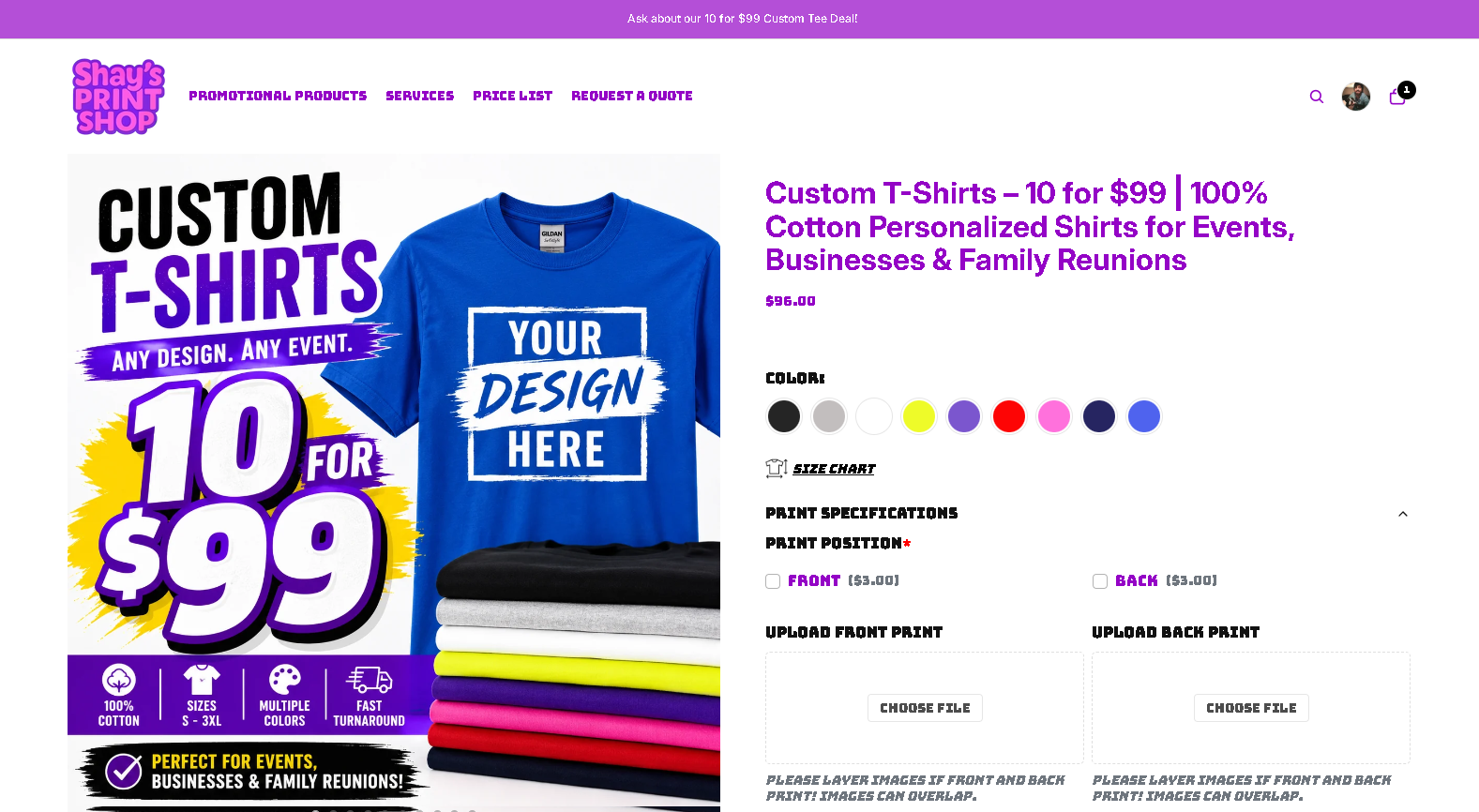
Whether you’re ordering for a family reunion in Massachusetts, a business event, or a nonprofit fundraiser, the process is the same: upload your design, review your proof, approve with confidence, and receive your order on time. Ready to get started? Browse the 10 for $99 collection or request a quote for larger or custom runs.
Sources and further reading
These resources back the guidance in this article and are worth bookmarking for your next order.
| Source | Best for |
|---|---|
| Proofing & Approval Process, Printiverse | Understanding approval triggers, responsibility split, and prepress comments |
| Pre-Press Audit Guide, Image Square Printing | Content sweep techniques and manual proofing methods |
| Proof Approval Tracking, Filestage | Centralized feedback workflows and version control |
| Review Print Proofs, DesignsByKyong | Soft vs. hard proof decisions and bleed verification |
| Try Proofs Before You Pay, CheapRushPrinting | Proof-first ordering and color accuracy on substrates |
0 comments